Every light.
Every fan.
One app.
Lights, fans, the pump screen and the cooling loop on one timeline. No stack of vendor apps fighting over the same USB port.
Lighting is free. Pro from ₹149 a month in India, $3.99 elsewhere.Glass-side builds where three brands of RGB have to agree, and the fans should know when you are gaming.
- Mixed-vendor rigsA Corsair controller, a Lian Li hub and the motherboard's own headers, driven as one case.
- Quiet desks, loud gamesFans that idle low on the desktop and go to full the moment the GPU works, without hand-drawing a curve.
- People who are done with five tray iconsOne app on start that finds the vendor apps in the way and takes over from them.
Every device, on a map of your own case.
Pick an effect and watch it run across the fans, strips, memory and cables you actually own. Stack layers when one effect is not enough.
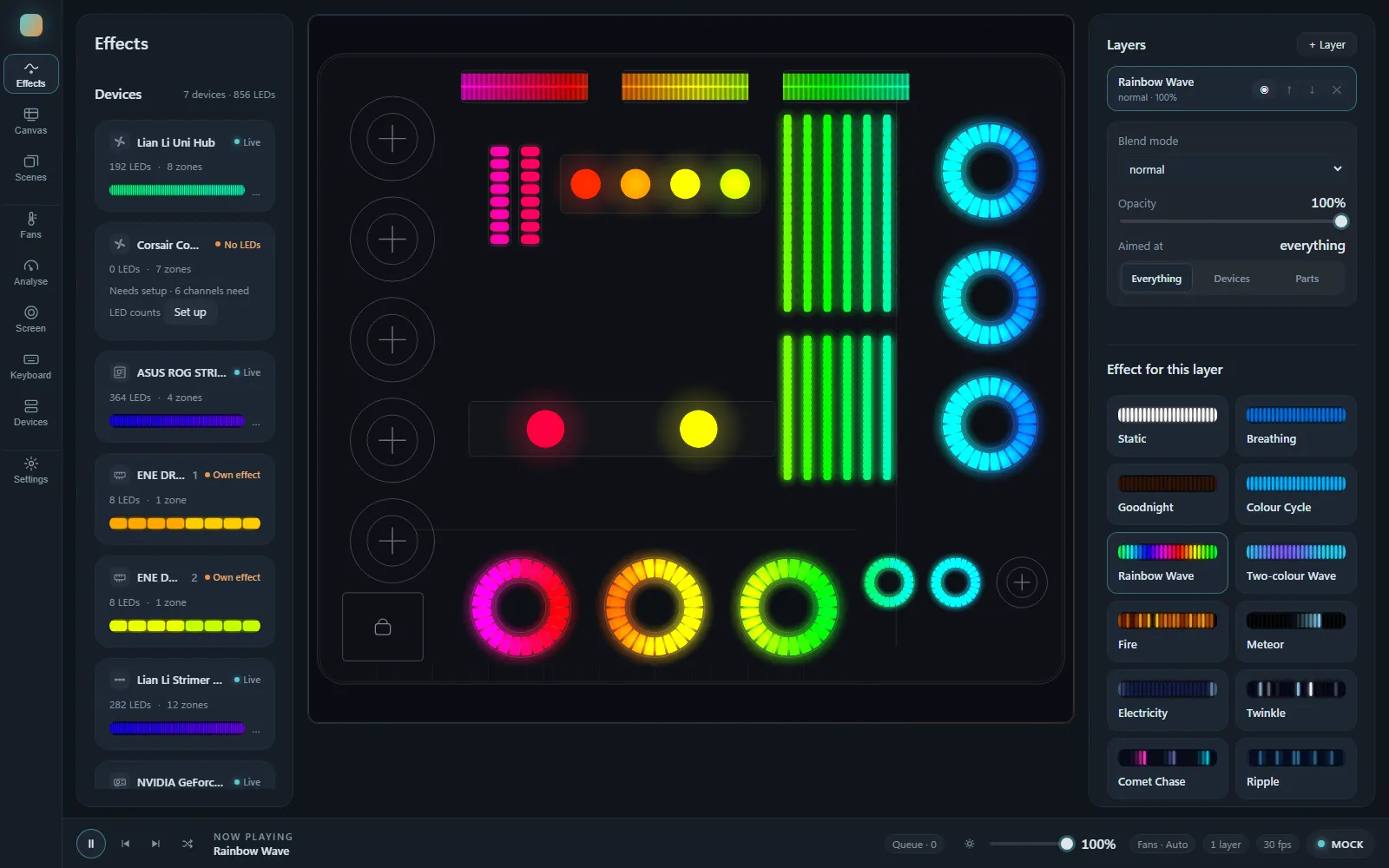
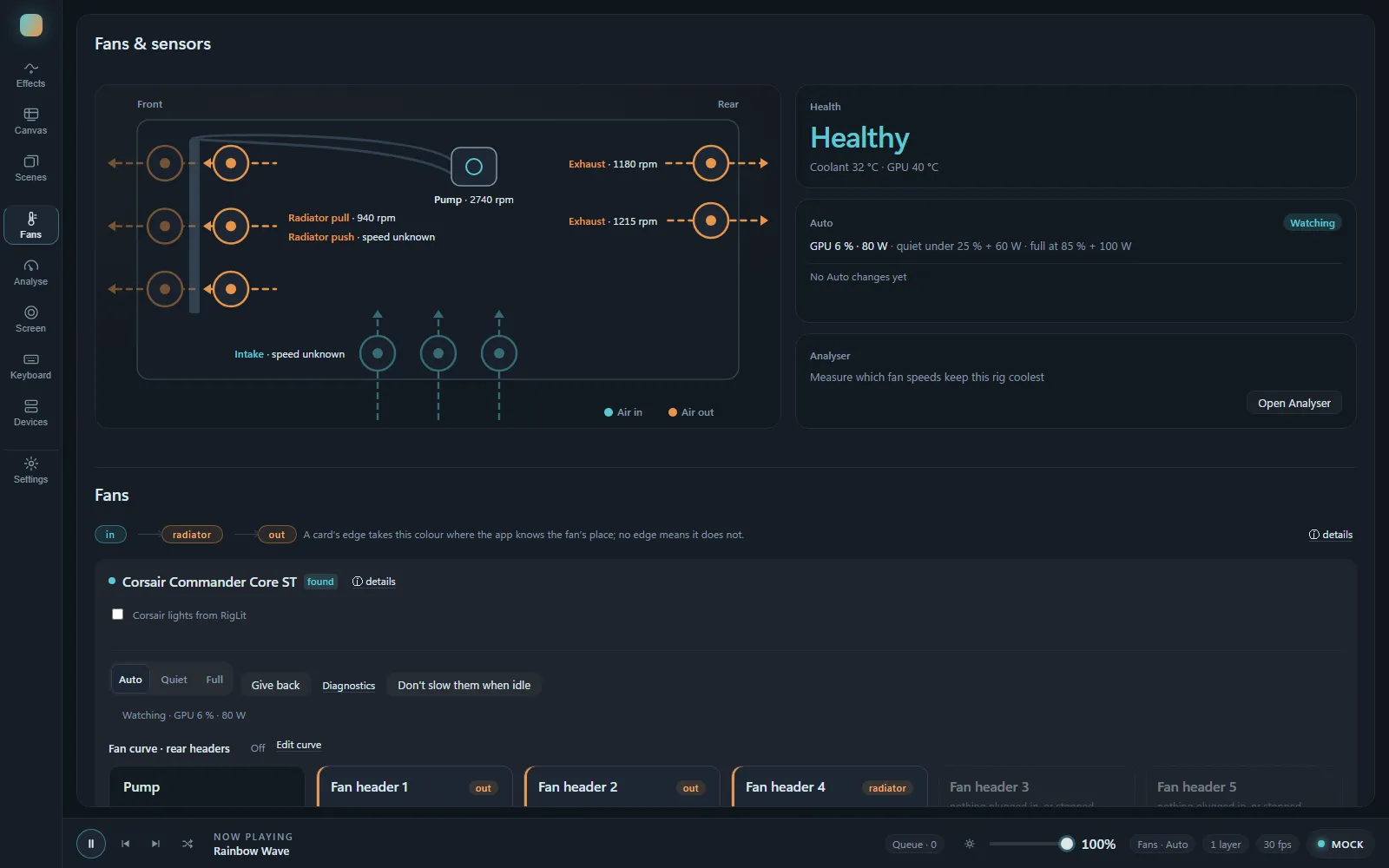
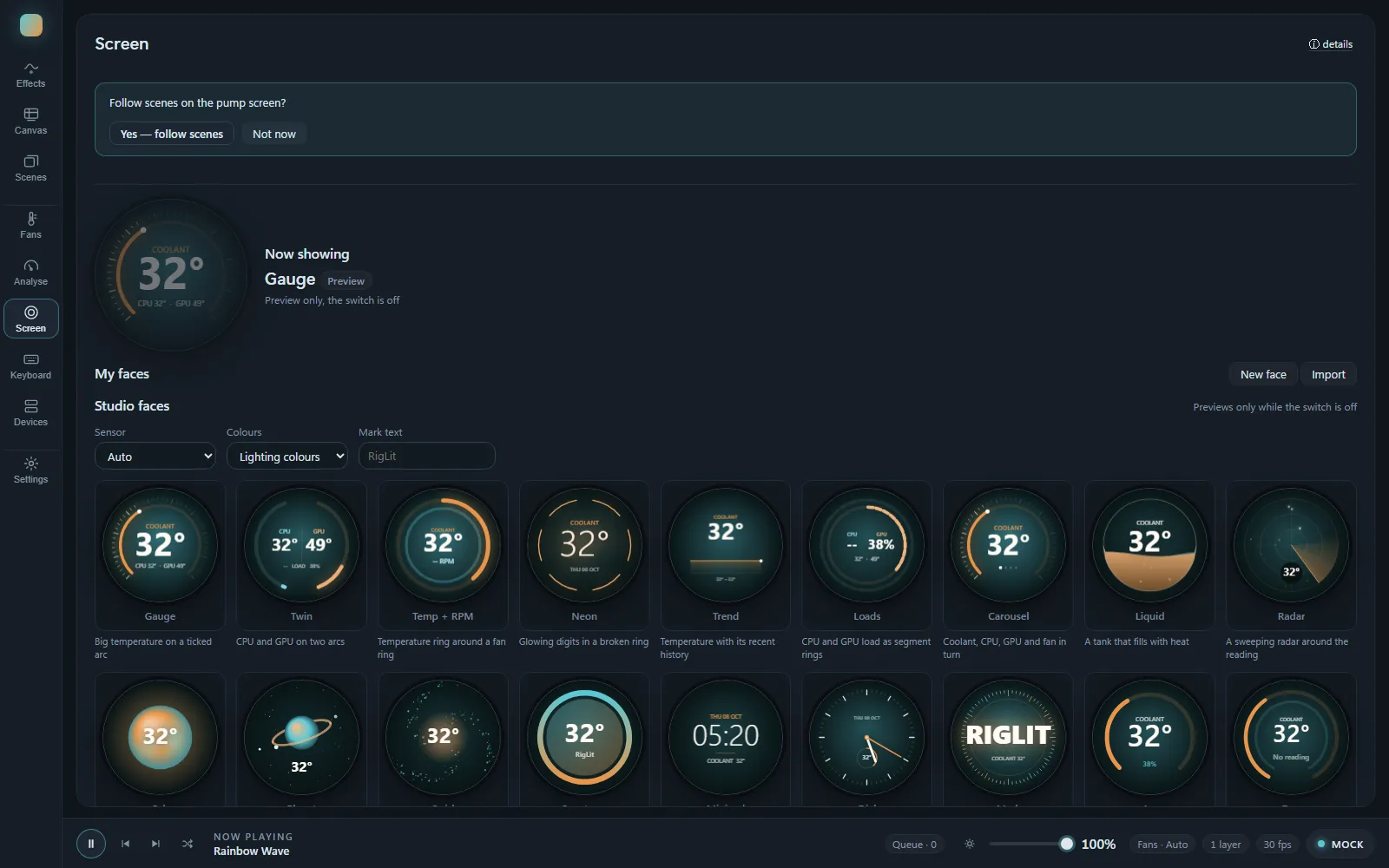
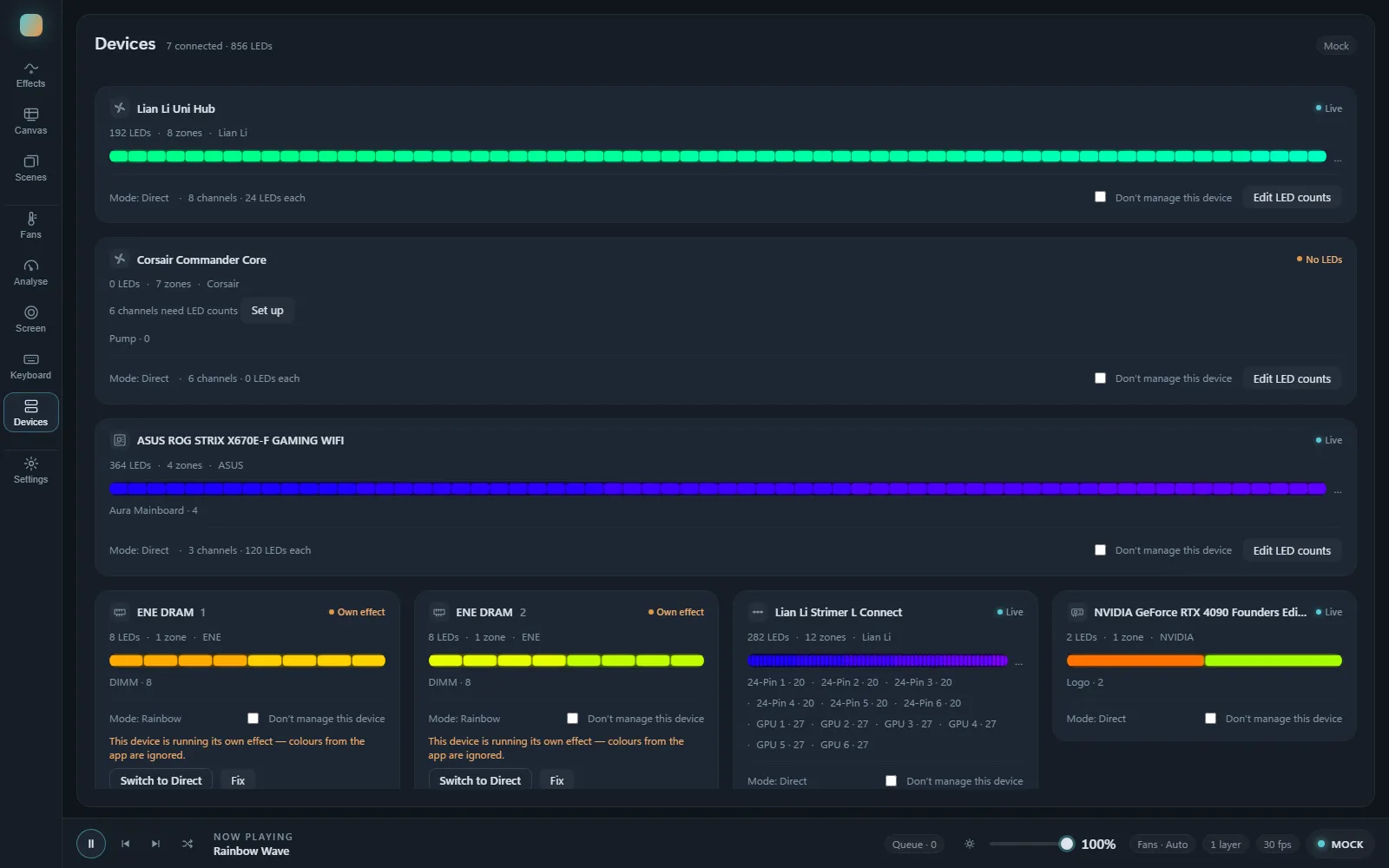
Real screens from the app, running on the mock rig used for testing.
Quiet at the desk. Flat out the moment it matters.
Smart Auto reads GPU load, GPU power and the coolant, and sets the fans to whichever asks for more. It rises at once and comes down slowly, so a loading screen does not make the fans hunt.
- 30 %The lowest any fan is ever asked to run. No setting, curve or bug goes under it.
- ≥ 50 %Radiator fans stay at half or more while RigLit holds them. They cool the loop.
- +2 °CAuto's coolant guard: more than 2 °C over where the coolant started, the radiator goes back to 100 %.
- 44 °CSmart Auto is already at full here, whatever the starting point.
- 45 °CThe ceiling. Radiator fans to 100 % at once. A missing reading counts as hot.
One gaming session, simulated
The app's own Smart Auto formula, case fans, 16 minutes.
Purple: GPU load. Amber: coolant, on the right axis. Cyan: what Smart Auto sends.
Talks to each device directly.
Direct where it can, through OpenRGB where that is the better road. One effect runs across all of them in step.
- Corsair Commander Core
Per-LED lighting on every fan header, pump and fan speed, and RigLit faces on the LCD pump cap.
Lights · fans · screen - Lian Li Uni Hub SL-Infinity
Each fan and each ring on its own, plus fan speed with a self-check that proves it on your hub.
Lights · fans - Lian Li Strimer
The 24-pin and GPU cables as long, smooth strips that follow the same wave as the fans.
Lights - ASUS Aura motherboard
The board's own zones and its addressable headers.
Lights - NVIDIA graphics card
Card lighting through OpenRGB, and GPU load and power for Auto cooling and Game mode.
Lights · sensors - RGB memory
Memory sticks lit in line with the rest of the case.
Lights - Topre Realforce keyboard
Per-key colour that follows the scene on screen.
Lights - Stream Deck
Fan modes, Eco and pump faces, one key each.
Pro - WLED
Room strips and desk lights over Wi-Fi.
Coming
Fails towards cool, never towards quiet.
RigLit controls hardware that keeps your PC alive, and it should never be the reason a frame drops.
No fan is ever asked to run lower.
Radiator fans go to 100 % at once, and so do they when the reading goes quiet.
Hands the fans back to the motherboard and the controller's own curve. Quitting RigLit does the same.
When the GPU has been busy for 20 seconds, lighting drops to 15 frames a second until you leave the game.
In the tray, RigLit stops drawing previews nobody can see. Only the lights keep running.
No telemetry. Pro is verified on your own PC, with the network cable pulled out.
Before you install.
Do I need OpenRGB?
Yes, for the motherboard, graphics card and memory. OpenRGB is free and installs separately. Corsair, Lian Li and the keyboard are driven by RigLit directly.
Will it fight with my other RGB apps?
Two programs writing to the same controller is what makes lights flicker. On start, RigLit finds the vendor apps that would get in the way and takes over from them for you.
Can RigLit damage my hardware?
It sends the same kind of commands the vendor apps send. Fans never go below 30 %, the radiator goes to full when the coolant is warm or its reading is missing, and Give back returns control to the motherboard. You are still in charge of your own devices; see the terms.
Does it send my data anywhere?
No. RigLit works offline, has no account, collects no telemetry, and checks your licence on your own PC.
Why does Windows say "Unknown publisher"?
The installer is not code-signed yet. Windows shows that warning for any unsigned app. The download page shows how to get past it, and signing is on the way.
Is there a refund?
Yes, within 7 days of purchase, no long form. See the refund policy.
Light it up.
Free for every light in the case. Windows 10 and 11, 64-bit.